How to begin a chat
- Click "Start a new task" in the left sidebar to open a blank conversation.
- Type your question or prompt in the composer at the bottom of the screen.
- Press Enter or click the Send button to submit.
- The assistant streams a reply in real time.
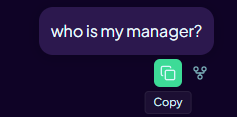
- Use the copy button on a message or code block to copy the content to your clipboard.
The released app uses the model configured by your organisation. A model picker is available only in local and Dev environments for engineering evaluation.
Tool call cards
When Aimee uses a connected tool — such as searching your email or reading a OneDrive file — a tool call card appears in the chat thread. The card shows which tool was used and a summary of the result. You do not need to take any action on a tool call card unless a follow-up action (such as Send email or Accept edits) is offered.