File and generation limits
- An Office source file used for inspection or revision must be 10 MB or smaller.
- A generated Office file must be 10 MB or smaller to be saved by Aimee.
- Generation has a time limit. A very large workbook, document or deck may need to be split into smaller deliverables.
When a quality check fails
Validation failed means Aimee detected a package, formula, layout or template problem. The failed file is not saved as the finished result. Aimee normally corrects the issue and tries generation again; the activity card may show the earlier attempt as retried.
- Expand the Office activity card and review its Output section.
- If Aimee did not retry automatically, ask it to correct the stated validation problem and regenerate the file.
- For repeated failures, reduce the requested scope or split the deliverable into smaller files.
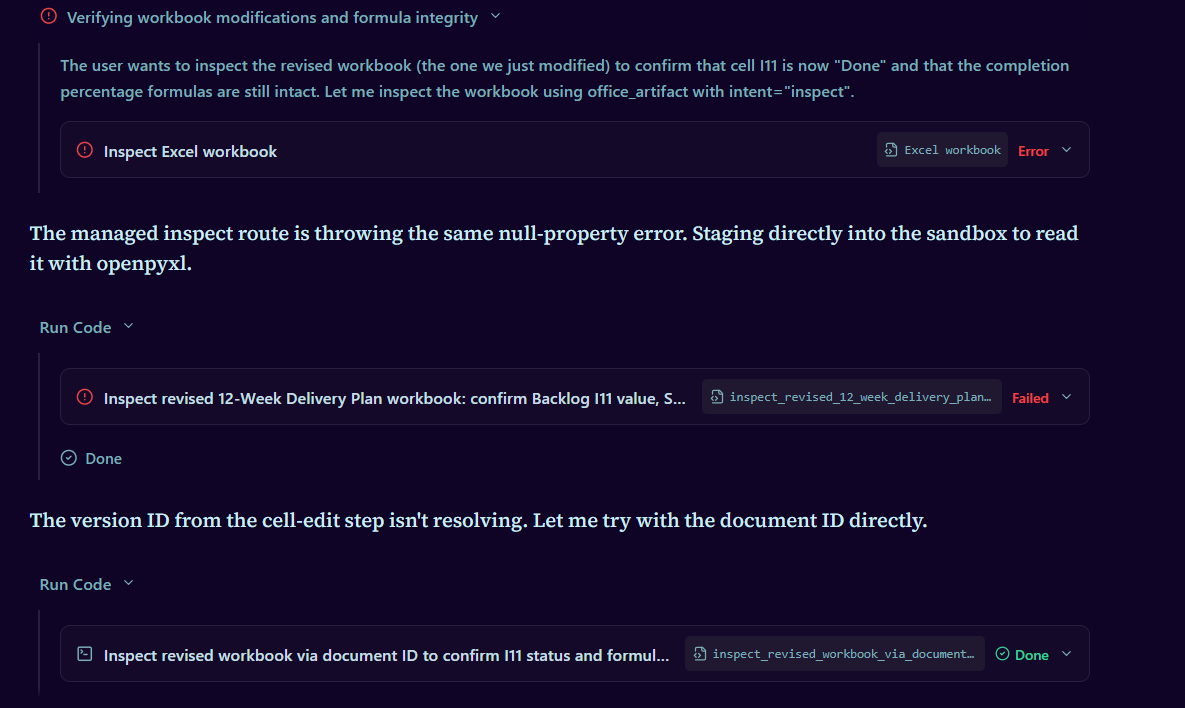
Validated with warnings
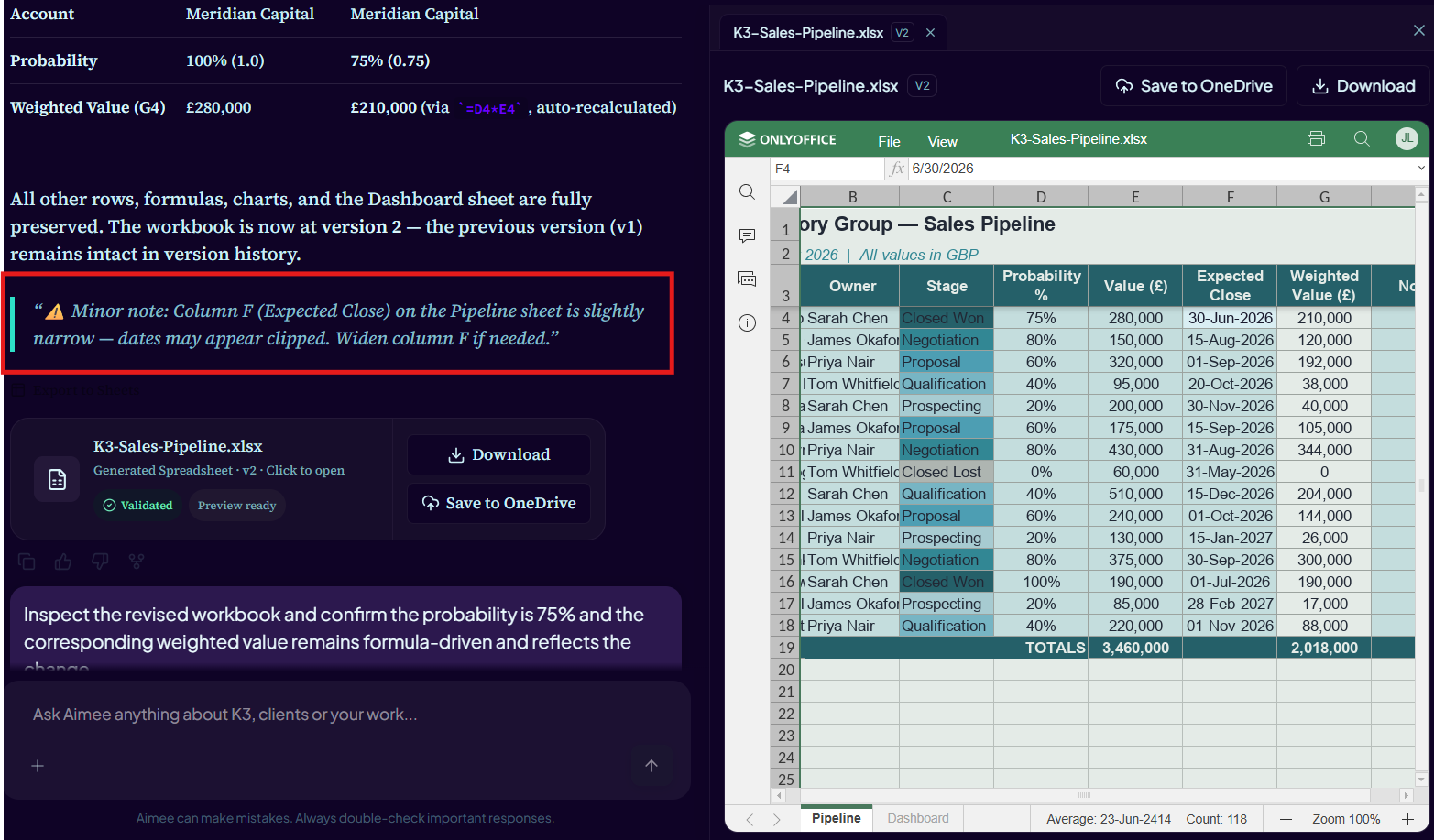
Validated with warnings means the file passed the checks required for storage but has a condition worth reviewing. Open the file and check the validation summary, layout, formulas and content before final use.
Unsupported requests
- A generic export action is not implemented for Word, Excel or PowerPoint. Use Download where available.
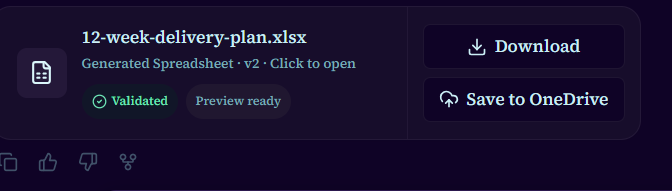
- Word files are saved through the Save to OneDrive action rather than a generic Office save request.
- Excel and PowerPoint do not have a generic save route. Use an Aimee-owned output copy unless an explicit, confirmed Microsoft 365 edit is offered.
- If Aimee cannot preserve a source file during revision, it should say so rather than present a reconstruction as an edit.
Confirmation and undo
- Confirmation required means the requested action can change an original Microsoft 365 file and is waiting for your approval.
- Confirm persistent edit approves the exact source and changes shown in the card.
- Update linked OneDrive file replaces a linked file with the selected new Aimee version.
- Undo using version history restores the previous Microsoft 365 version when recovery is available.

Storage and privacy
Generated Office files and their versions are scoped to your account. Use the Documents library to manage Aimee-owned files and Save to OneDrive when you need a copy in Microsoft 365. Do not provide sensitive or regulated material unless your organisation has approved that use case.
Getting more help
If generation continues to fail, contact Aimee support. Include the file type, what you asked Aimee to do, the approximate time and the user-facing error or validation message. Do not send credentials, access tokens or private download links.